
Designed
to scale
learning.
A precision-engineered platform for high-impact learning. CleverIQ bridges the gap between facilitator intuition and Auggie-graded learner outcomes — every lesson, every stage, every cohort.
A frictionless path to mastery.
We've removed the noise to focus on what matters: the substance. The learner surface is built for deep focus, honest self-assessment, and a real credential at the end.
One workspace. Every stage of mastery.
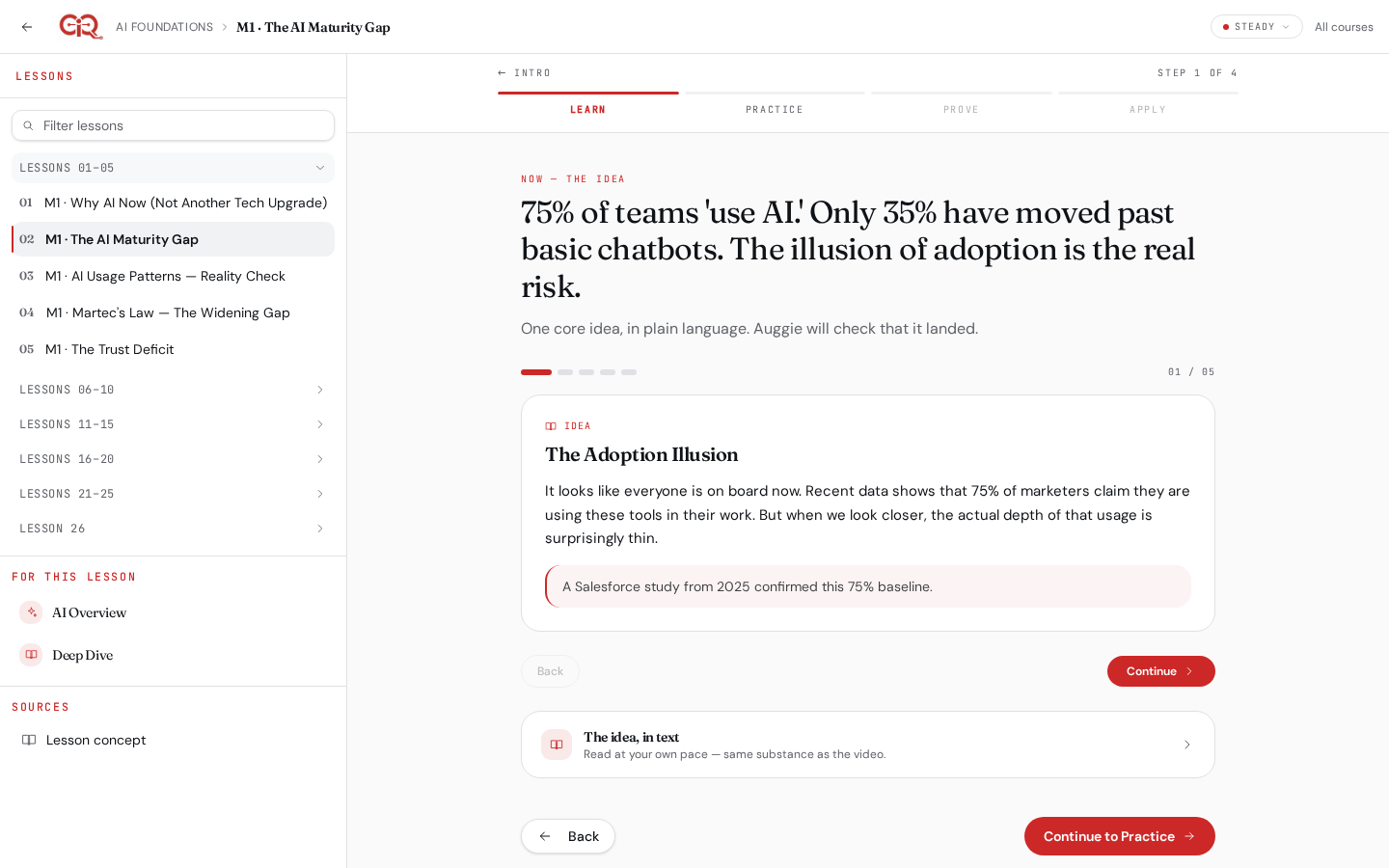
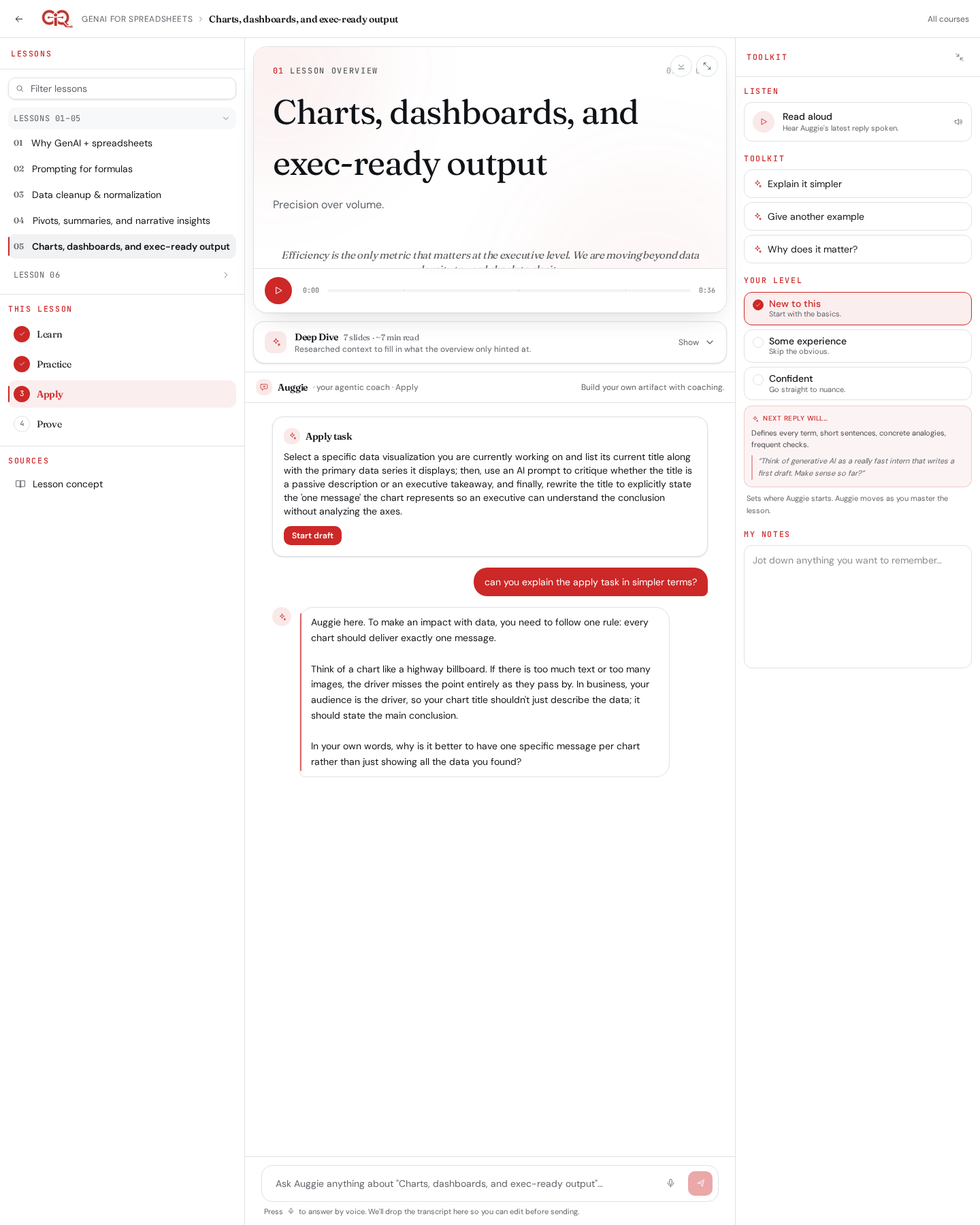
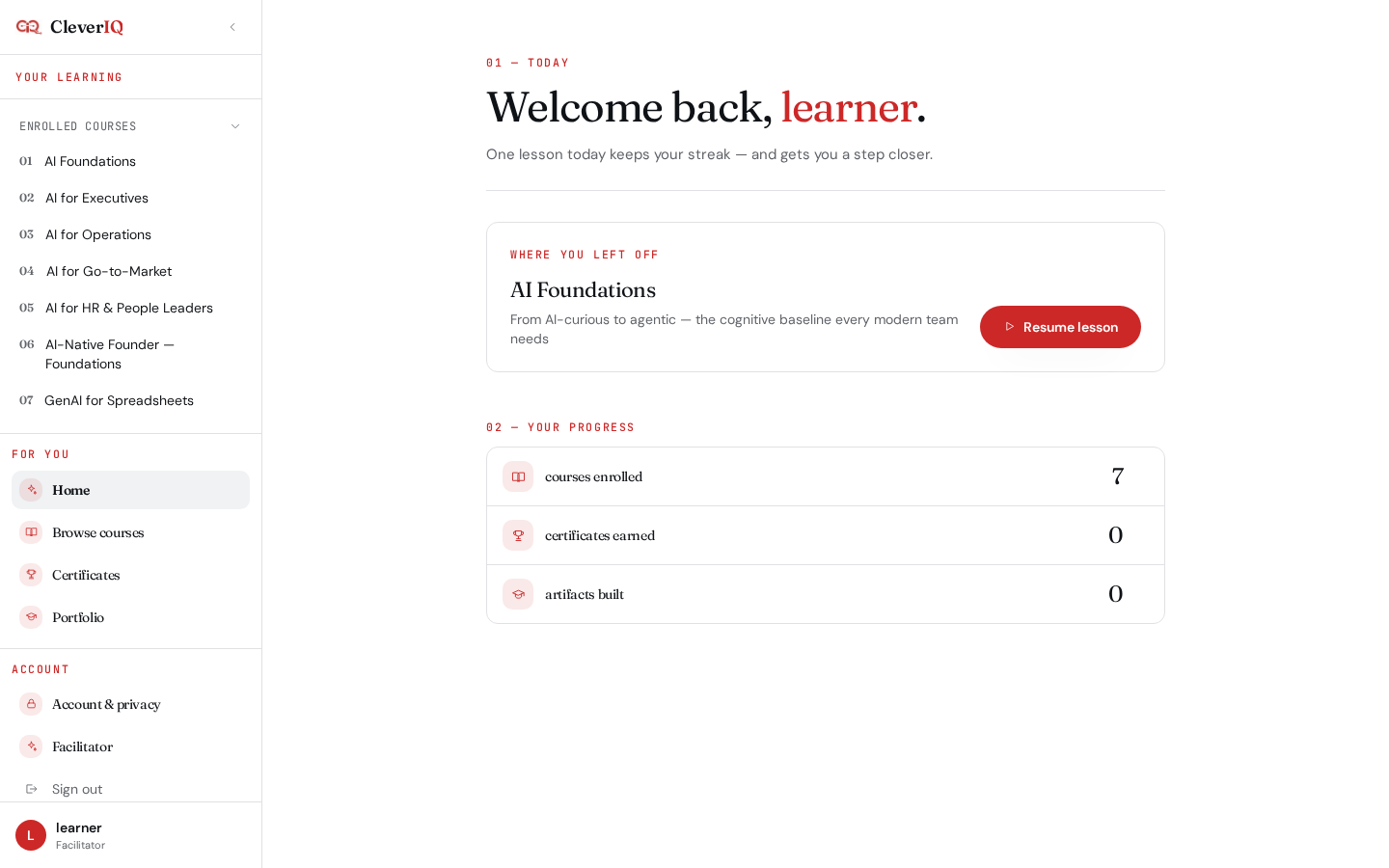
A three-pane workspace pairs a focused sources rail, Auggie your agentic coach, and a learner toolkit. Stages — Learn, Practice, Apply, Prove — gate progress so nobody skims to the certificate.
- Sources rail collapses lessons into chunks of five
- Stage stepper enforces Learn → Practice → Apply → Prove
- Toolkit pane: notes, level tuner, quick actions, listen-back
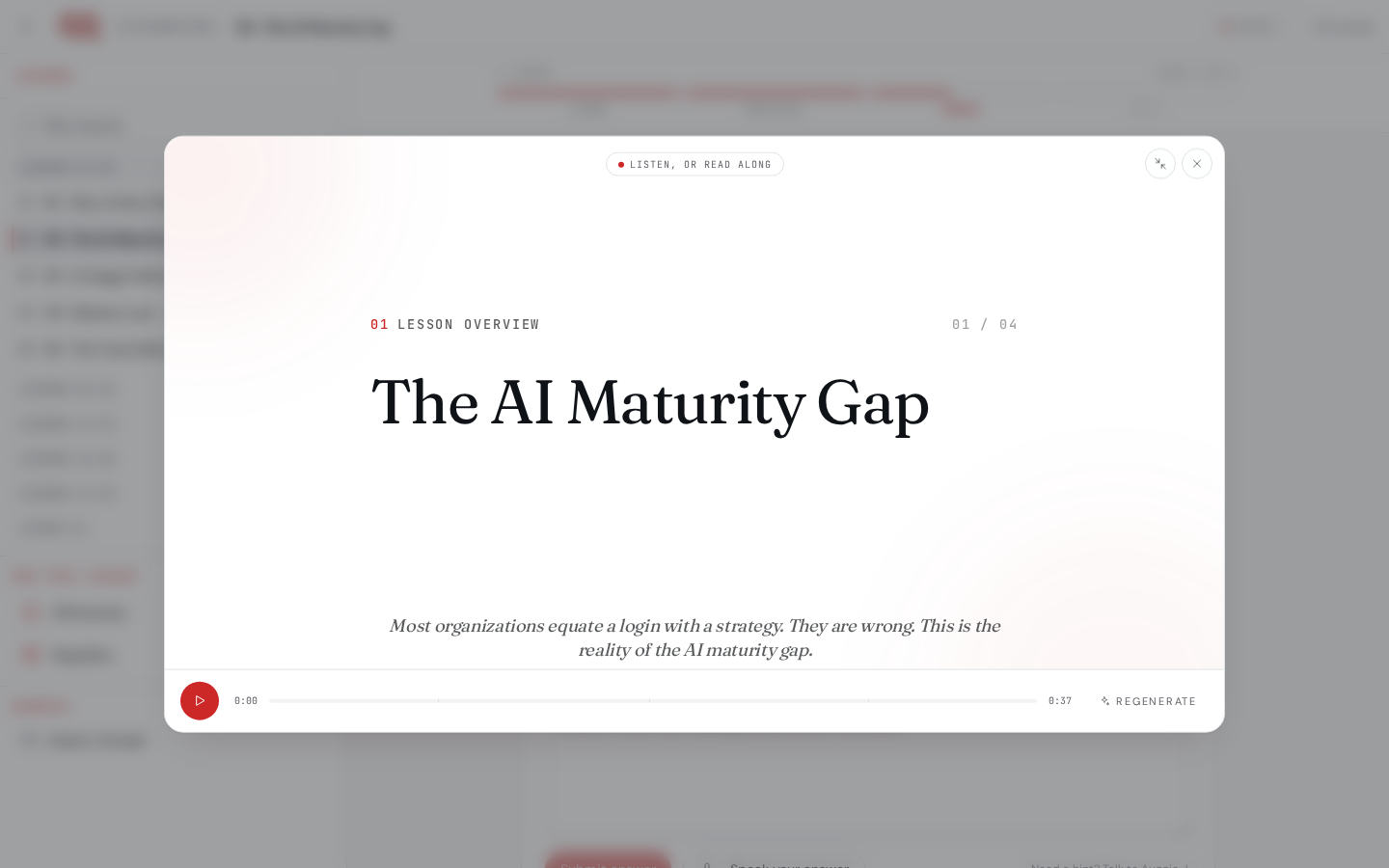
A two-minute video for every lesson.
We pre-generate a NotebookLM-style storyboard with synced narration for every lesson across every course. Learners get oriented before they ever read a word.
- Storyboard + voice for 130+ lessons
- ElevenLabs-grade Brian & Jessica narration
- Facilitators regenerate any overview from the Studio
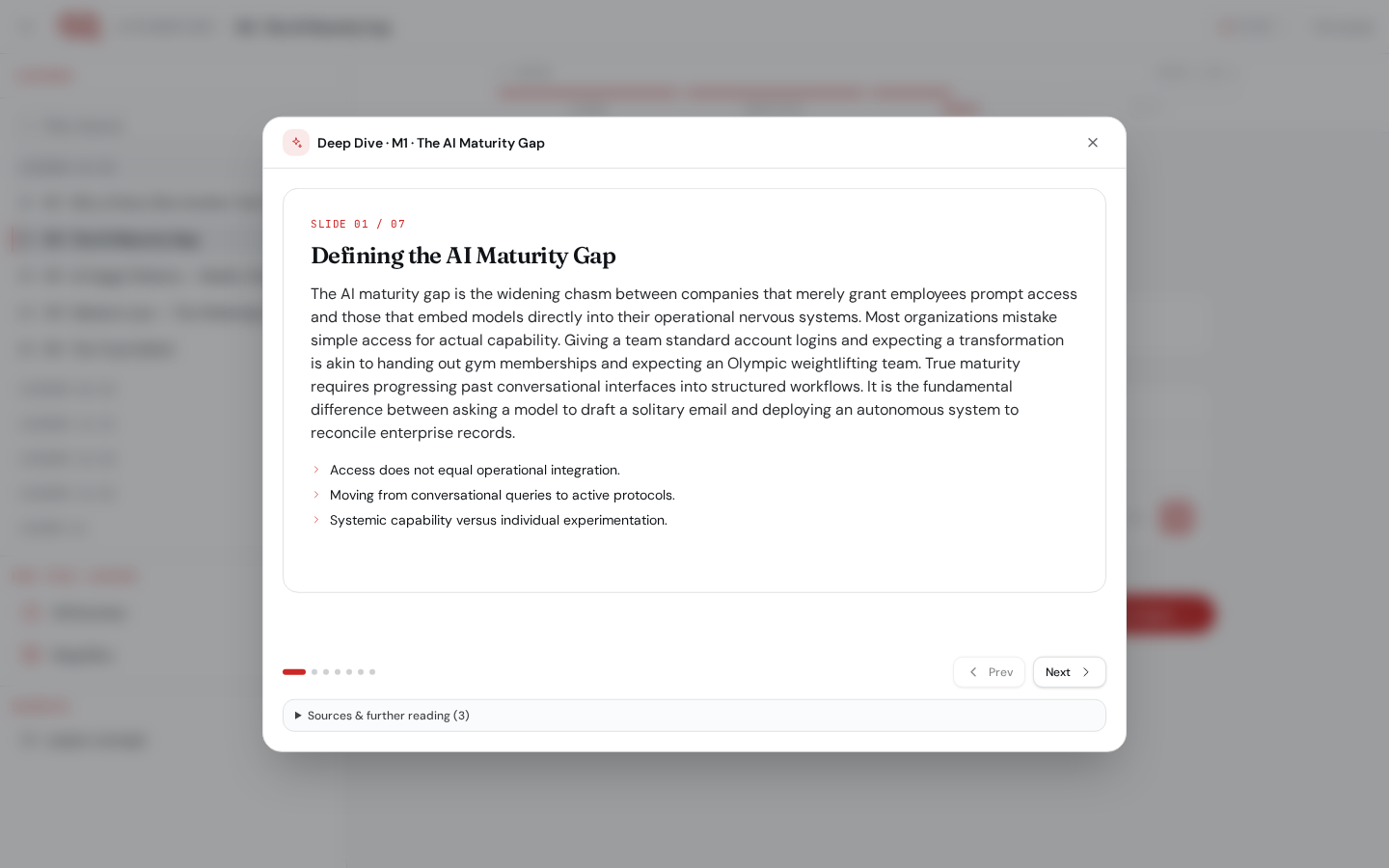
Auto-generated 5–7 slide decks per lesson.
Between the overview and Auggie, learners get an animated Deep Dive: a Gemini-authored carousel that unpacks the lesson's core mechanics with charts, diagrams, and worked examples.
- 5–7 slides tailored to the lesson objectives
- Charts, comparisons, and worked examples inline
- Regenerates on demand from source content
Auggie: your agentic coach, grounded in this lesson.
Auggie — short for Augmented Intelligence — is scoped to the active lesson and the current stage's scenario. Auggie pushes back on thin answers, clarifies tasks without giving them away, and won't hallucinate outside the curriculum.
- Stage-aware grounding (Practice case, Apply task, Prove rubric)
- Adjusts depth and analogy to the learner's level
- Cites the section of the lesson Auggie pulled from
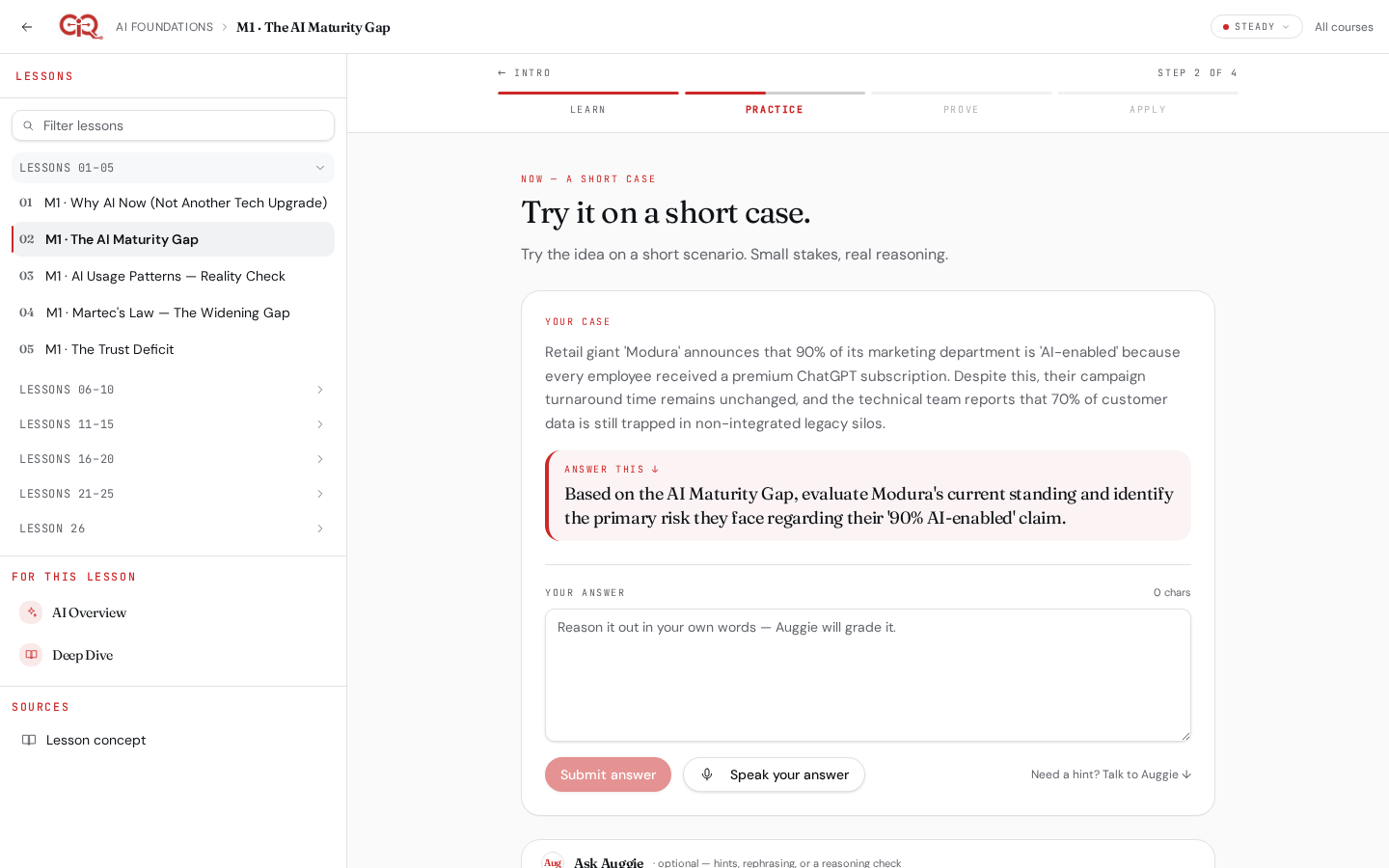
AI-generated scenarios. Reasoning, not recall.
Every lesson ships with practice cases Auggie tailors to the learner. Ask for a simpler version or a fresh scenario from the Toolkit and Auggie rewrites it in place.
- "Simplify this case" and "Give another case" on tap
- Scenario, question, and hidden rubric per case
- Feedback focuses on the substance of your reasoning
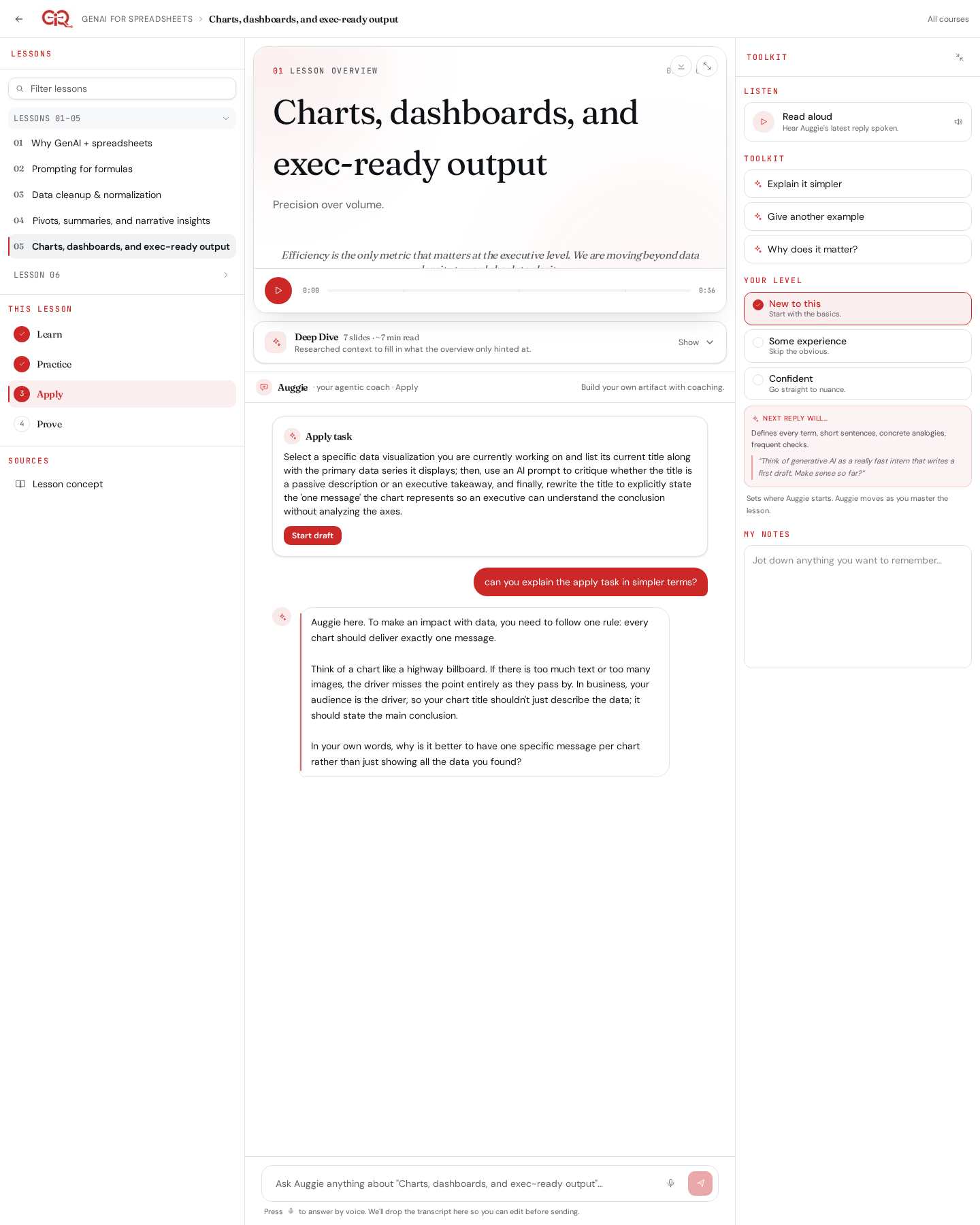
Bring your own tools. Ship the artifact.
Apply moves the work off the page. Learners use their preferred LLM to complete a real deliverable, then upload the result — .xlsx, doc, or link — for Auggie to review against the task rubric.
- Task brief with acceptance criteria and starter assets
- Upload .xlsx, docs, or links as the artifact
- Facilitator gates the jump from Apply to Prove
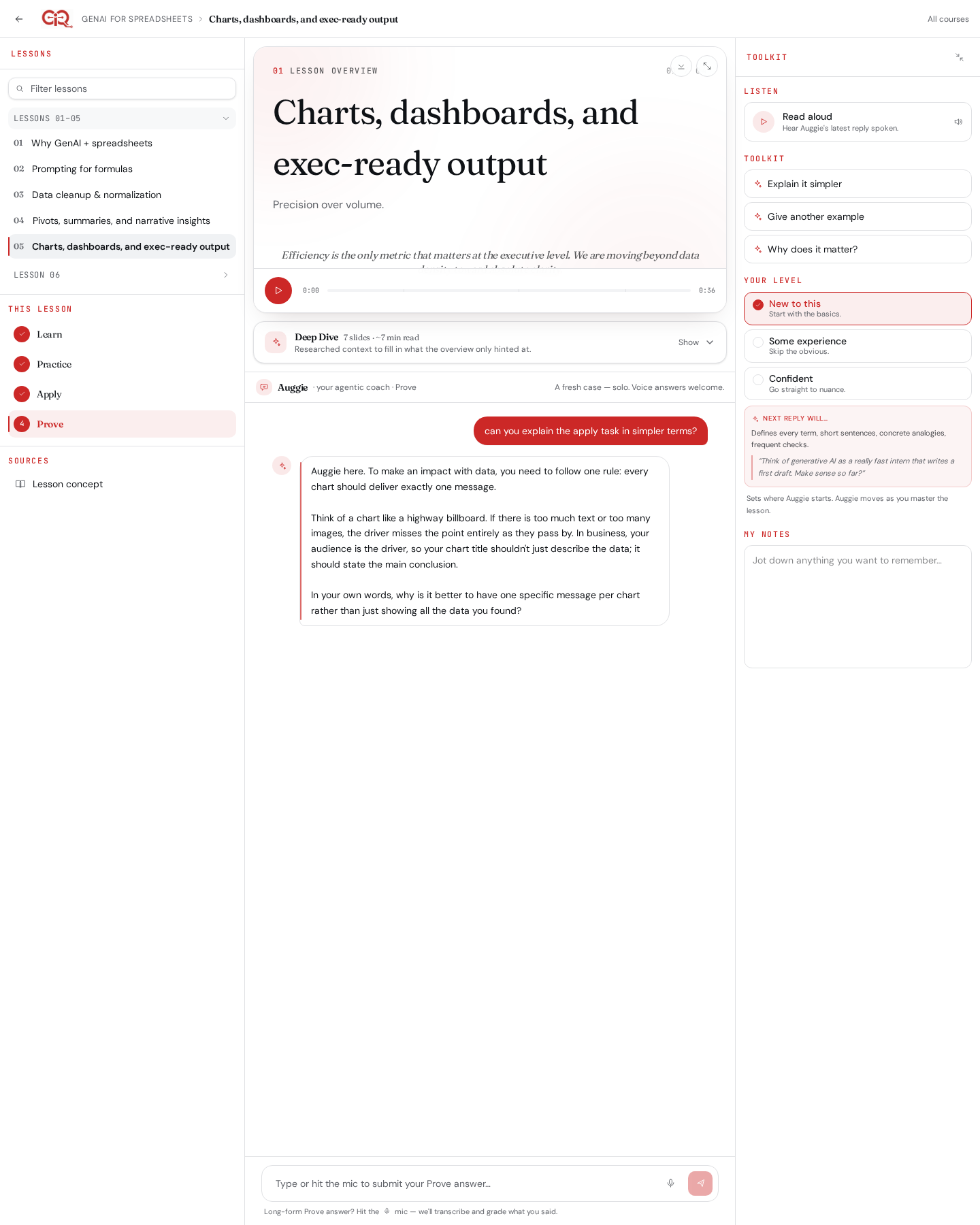
Speak it. Submit it. We grade the substance.
Prove is the graded moment. Learners talk through their thinking with the mic in the chat input, upload a final artifact when relevant, and get trait-based scoring against the lesson's rubric.
- Voice-first: Whisper transcription + waveform
- Trait-rubric scoring with coaching feedback
- Artifact + spoken defense for spreadsheet lessons
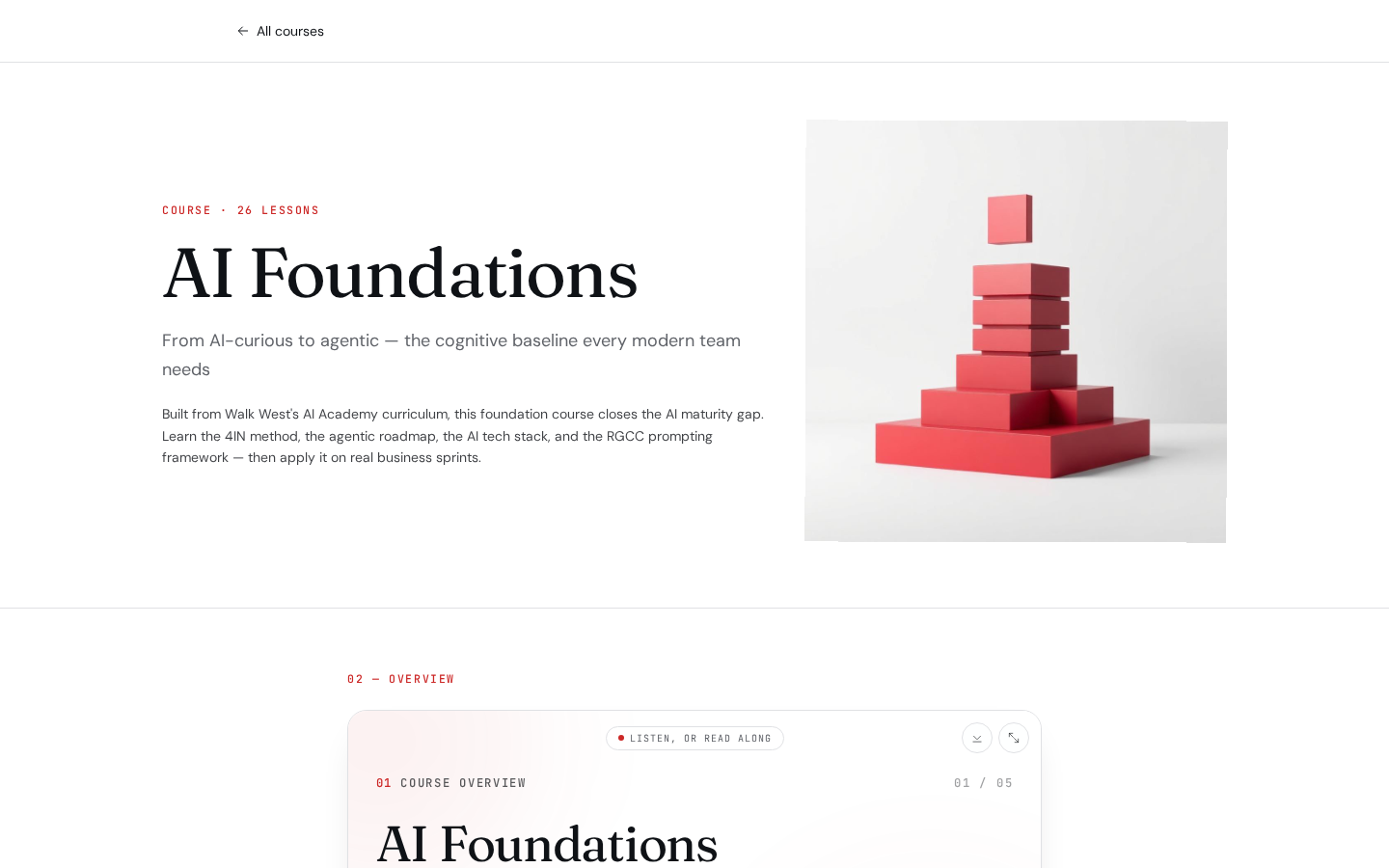
GenAI × Spreadsheets, hands-on.
A dedicated course path lets learners manipulate a live grid in Practice, then take their own LLM off-platform for Apply and Prove. Auggie reads the dataset and prompts to answer clarifying questions in context.
- Interactive spreadsheet grid inside Practice
- .xlsx upload for Apply and Prove artifacts
- Facilitator "Move to Prove" gate per learner
Command and control for educators.
Author once, deliver to cohorts at scale, and know exactly where every learner is stuck before they raise a hand.
See exactly where learners are stuck.
Every voice answer, practice submission, and stalled stage feeds a per-learner struggle score. A diagnosis drawer surfaces the specific lessons, events, and chat turns driving the signal — with an AI-generated nudge you can send in one click.
- Struggle score with cohort trend view
- Drilldown timeline: lessons, events, chat answers
- AI-generated coaching nudge, sendable in one click
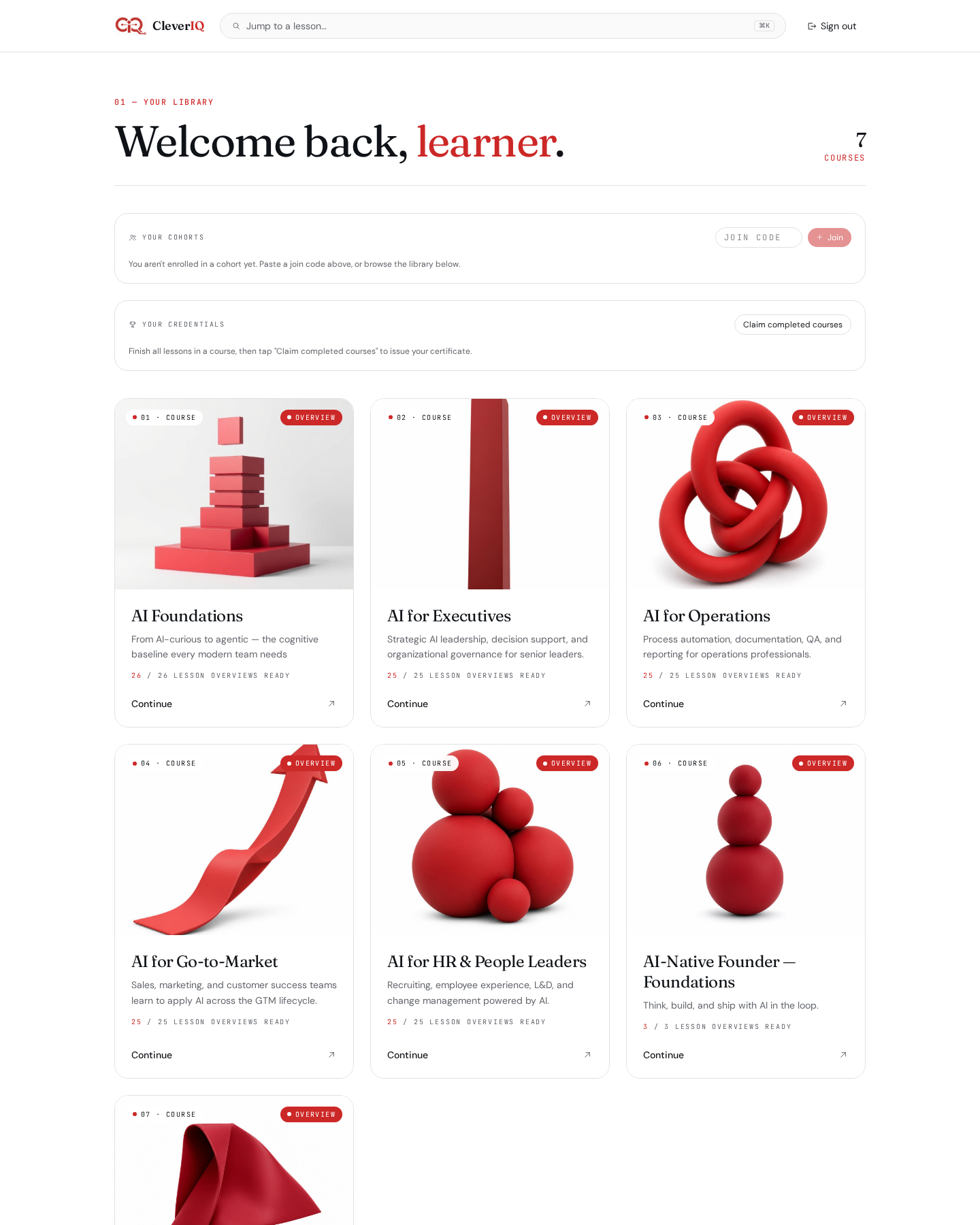
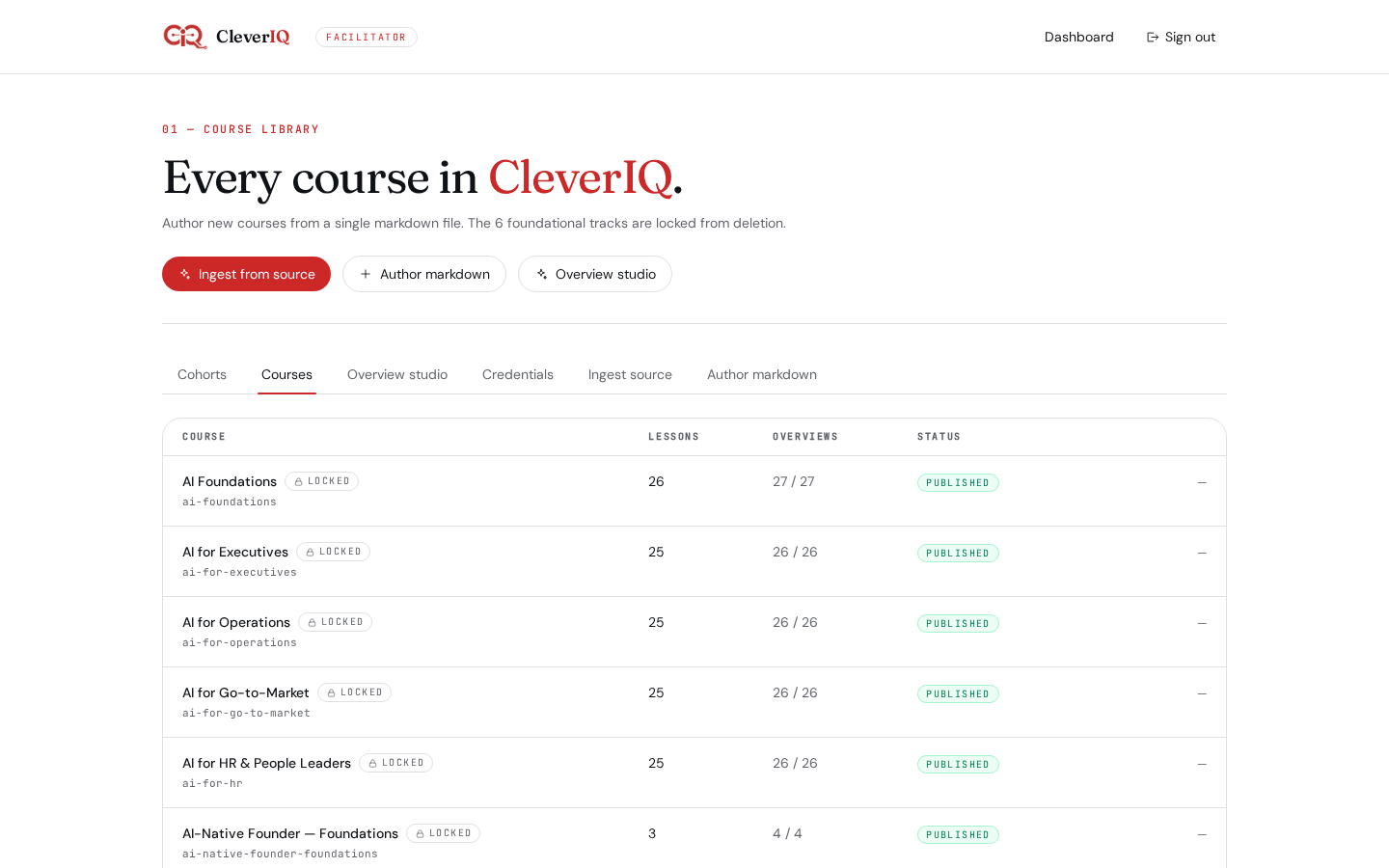
Author a course in markdown. Publish in minutes.
Facilitators write courses in markdown with YAML frontmatter and watch them validate live. Foundational courses are protected from accidental edits; owners keep full control of their own.
- Live preview, schema validation, slug uniqueness
- Protected foundational courses stay locked
- One-click publish to learners and cohorts
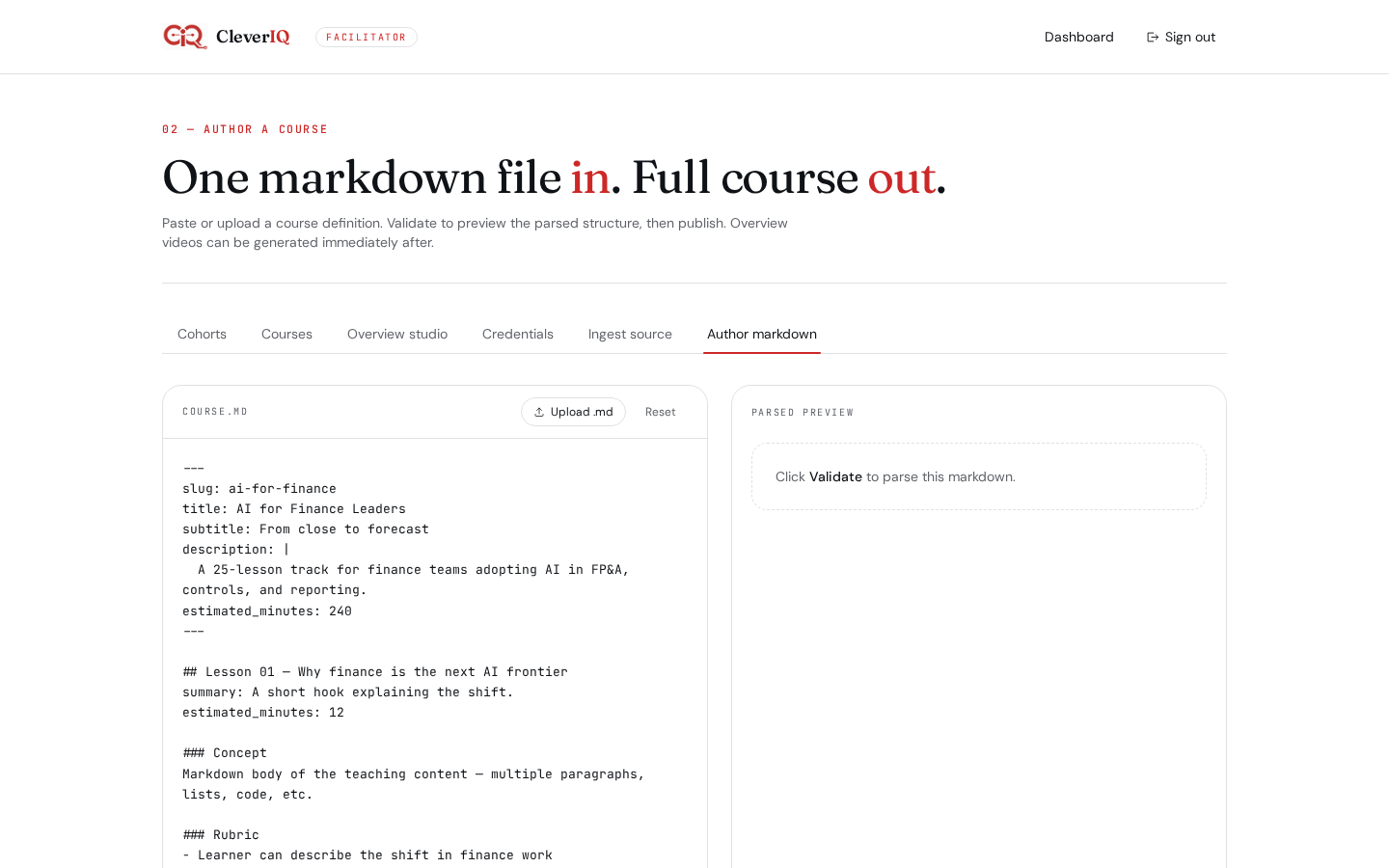
Drop in a PDF or URL. Get a publishable draft.
Paste a link, upload a deck, or drop in long-form text. Gemini structures it into lessons with objectives, then hands you a draft editor before anything ships.
- PDF, URL, and raw text ingestion
- Auto-structured lessons with objectives and rubrics
- Human-in-the-loop draft editor before publish
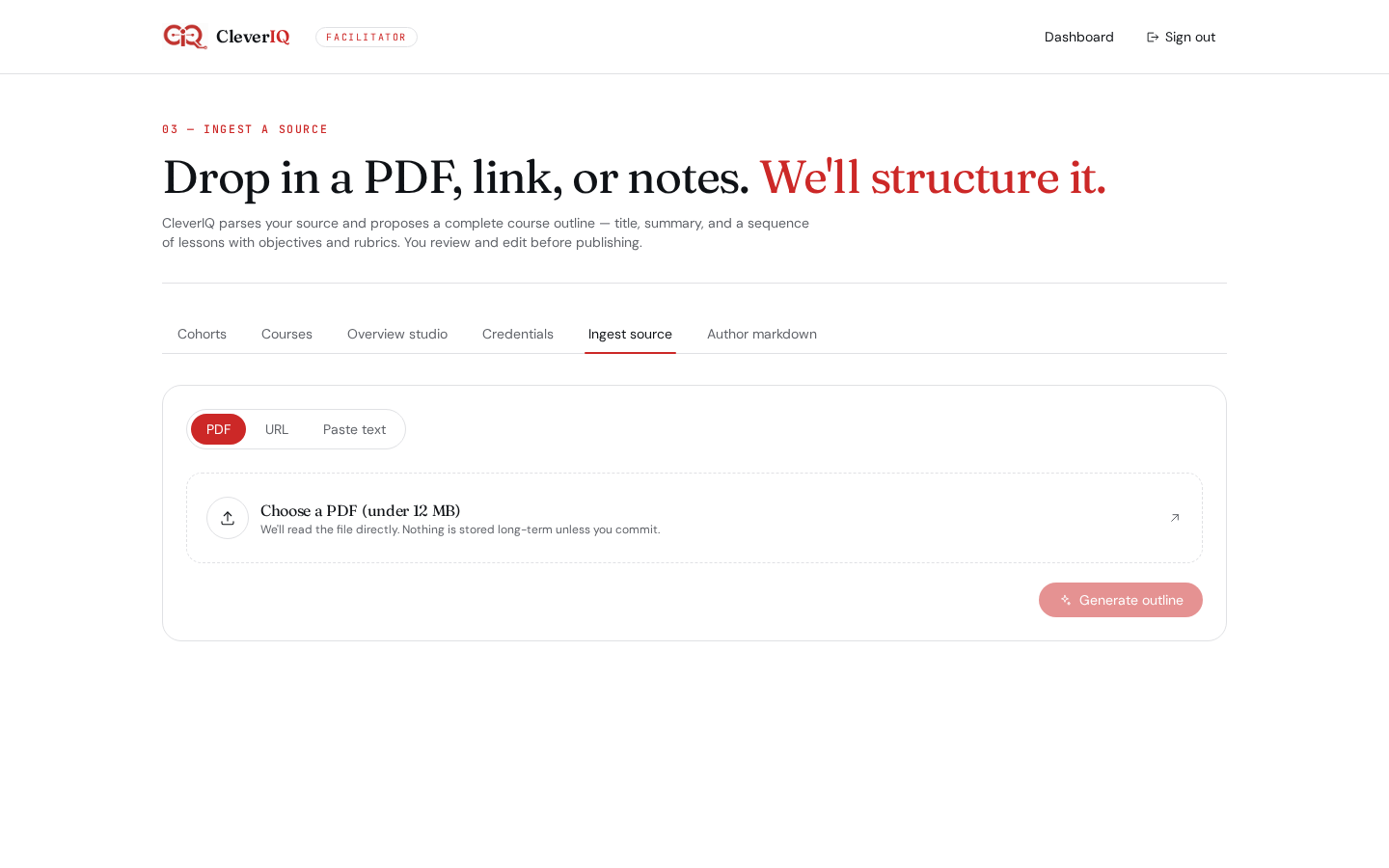
Generate, regenerate, and curate every video.
The Overview Studio groups every course's narrated overviews into collapsible decks so facilitators can review and regenerate at scale.
- Per-course accordion with expand/collapse all
- Inline regenerate with progress feedback
- ElevenLabs voices, admin-only locks on foundational content
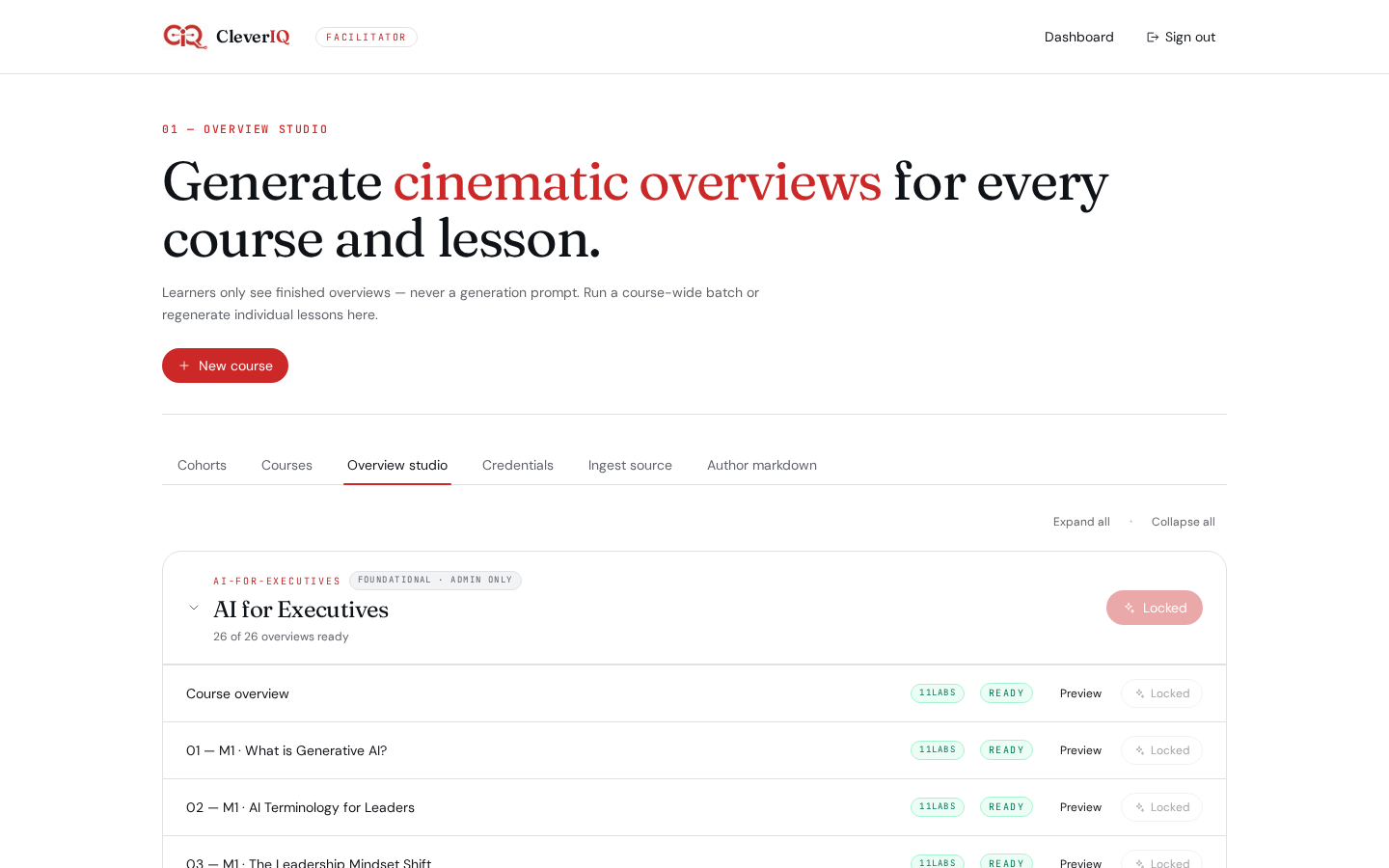
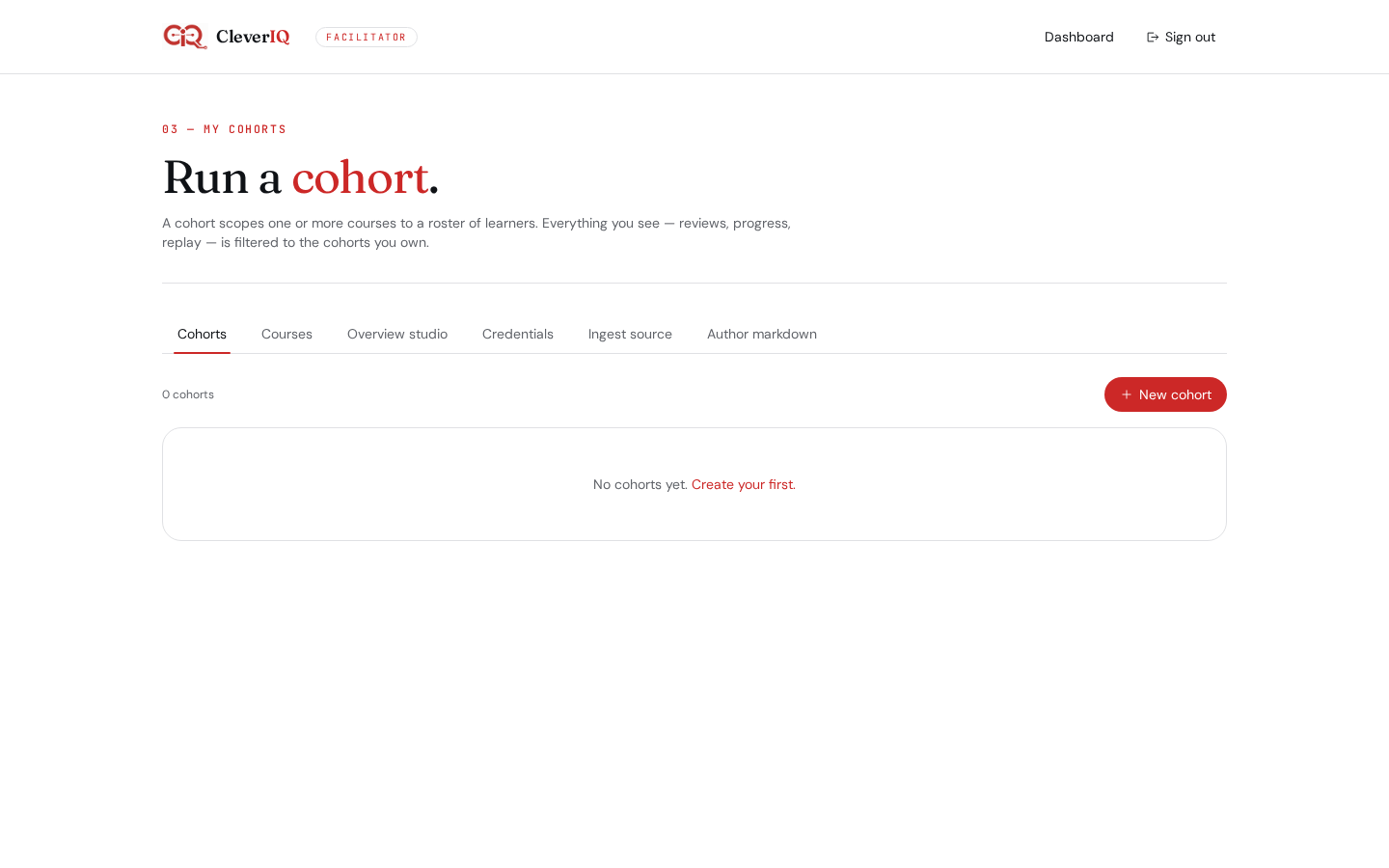
Invite a cohort. Track it from one place.
Spin up a cohort, send branded invites by email, or share a join link. Enrollment, progress, and completion roll up into a single facilitator view.
- Branded email invites via Lovable's email service
- Token-based join links with expiry
- Per-learner progress bar with completion badges
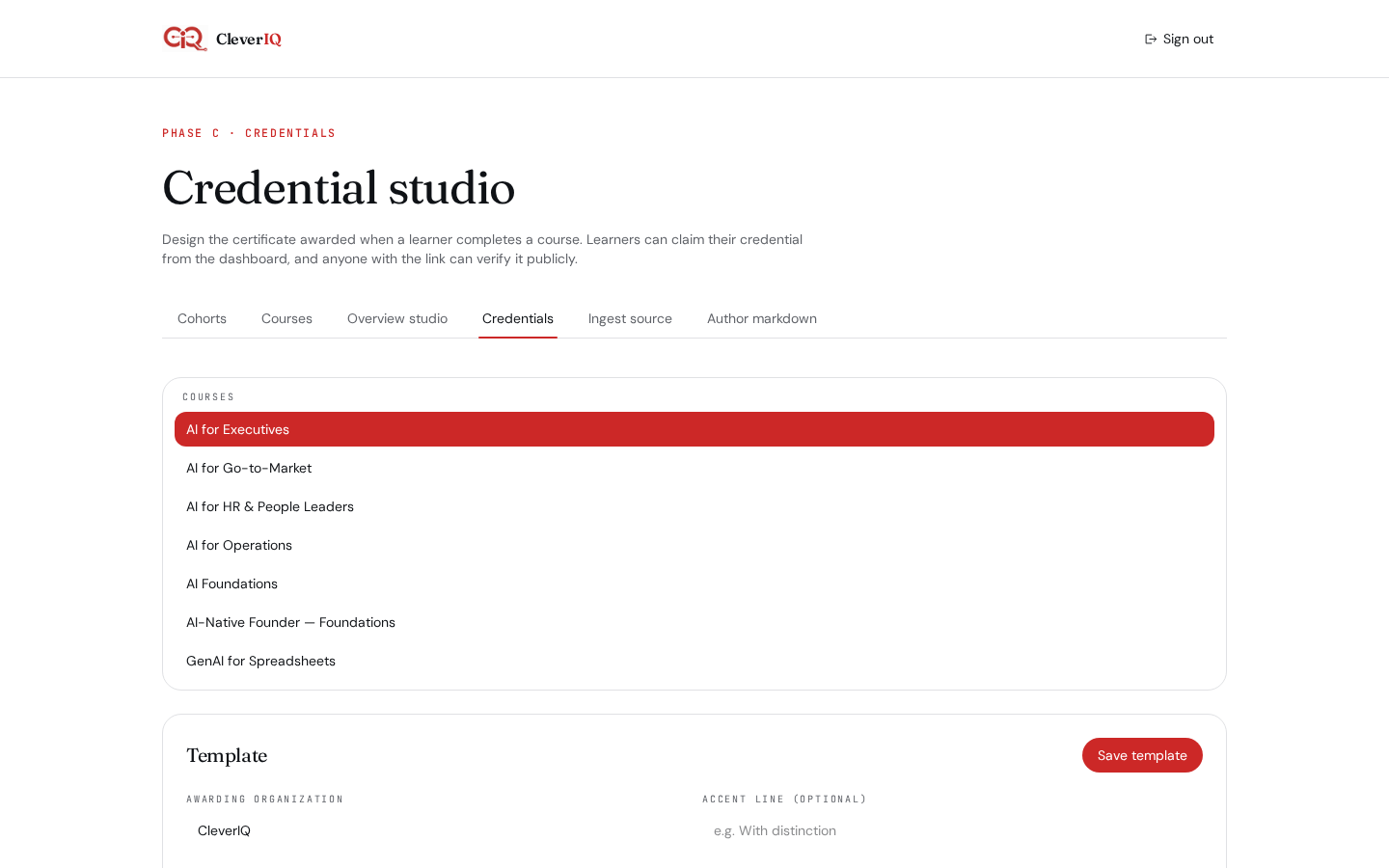
Issue credentials. Verify them publicly.
On 100% completion, learners claim a credential. Every credential has a public verification page so employers can check it without an account.
- Public /verify/$token pages, no login required
- Per-learner progress and completion badges
- Foundational and custom course credentials
The substrate underneath every interaction.
Meet Auggie
Per-lesson grounded, citation-aware, and level-adaptive across every stage.
Voice grading
Whisper transcription + trait-rubric scoring — substance, not keyword bingo.
Deep Dive slides
Gemini-authored 5–7 slide decks per lesson, regenerable on demand.
Stage gating
Learn → Practice → Apply → Prove. Progress is earned, not skimmed.
Artifact uploads
.xlsx and doc uploads for Apply and Prove — including spreadsheet-only paths.
Public credentials
Anyone can verify a credential at /verify/$token without an account.
AI co-authoring
PDF, URL, or long-form text → structured course draft in a single pass.
Cohorts & invites
Invite by email or join link; track every learner's arc from one view.
Struggle Insights
Diagnosis drawer + AI nudge so facilitators reach the right learner at the right moment.
Ready to evolve?
Spin up your workspace, invite a cohort, and let Auggie do the coaching. Free while you evaluate.